



Betsixty App for Casino Play
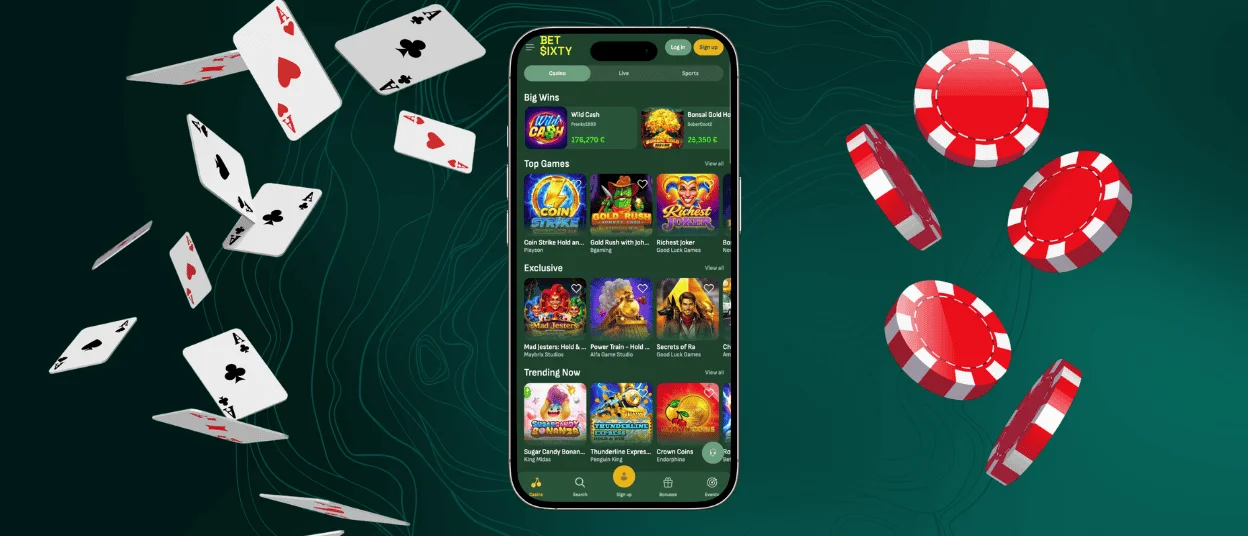
The Betsixty app works a bit differently from what most Dutch players expect. You cannot download it from the app store. It runs as a Progressive Web App, so it can be installed directly from the website through a browser. It behaves like a regular app sitting on the home screen. The full platform comes with it: every game, bonus, and account feature is unchanged from the desktop version.



Betsixty Mobile Gaming Experience
When you switch from desktop to the Bet Sixty app, you get the identical game catalog and the account tools that work the same way. Live casino streams run at the same quality. What does change is how the experience fits into everyday life.
- Screen layout. The app removes the browser chrome and replaces it with full-screen game content. On a modern phone with a large display, that’s a noticeable improvement over playing through a browser tab.
- Startup speed. PWAs cache structural resources locally after the first session. Opening the Betsixty Casino app a second time is measurably faster than a fresh browser load of the same site because the device isn’t fetching everything from scratch.
- Battery. A browser running a casino site keeps the full browser engine active, which costs power. A PWA runs more efficiently by comparison.
- Notifications. This is a feature the mobile casino app has that a desktop browser tab cannot replicate. Push notifications for new promotions, tournament start times, and cashback credits will appear directly on the lock screen.
Mobile Betsixty App for Android
Android uses Chrome as the primary PWA installation browser, and the process is short.
Here’s exactly how it works:
- Open Chrome on the Android device and navigate to the Bet Sixty Casino website.
- Give the page a moment to fully load. Chrome sometimes surfaces an automatic install prompt at the bottom of the screen after a few seconds.
- Tap the three dots in the top right corner of Chrome if the prompt doesn’t show up.
- Select “Add to Home Screen” from the dropdown.
- A dialog appears asking to name the shortcut. The default is fine, or rename it.
- Tap “Add,” and the Betsixty app icon appears on the Android home screen within seconds.
Opening it from that point forward launches the app directly, full-screen, without passing through a browser first. It behaves exactly like a native app in everyday use.
Safe Mobile Access Through PWA
PWA is secure and, in some ways, more so than the alternative.
| Security Aspect | PWA (Bet Sixty) | Native App from Store | APK from Third Party |
| Source of installation | Official Betsixty Casino website | App store | Unknown external source |
| File verification | Built into browser security | App store review process | None – unverifiable |
| Malware risk | Minimal | Low | High |
| Data encryption | TLS – identical to desktop | App-dependent | Cannot be guaranteed |
| Update process | Automatic via browser | Manual or automatic | Manual – often outdated |
| Permissions required | Notification (optional only) | Variable – often extensive | Unpredictable |
APKs sourced outside official stores cannot be verified. The file a Dutch player installs might be exactly what it claims to be, or it might be a modified version created to intercept login credentials. PWA installation through the browser removes that question entirely because the source is always the official site and the browser’s own security layer covers the rest.
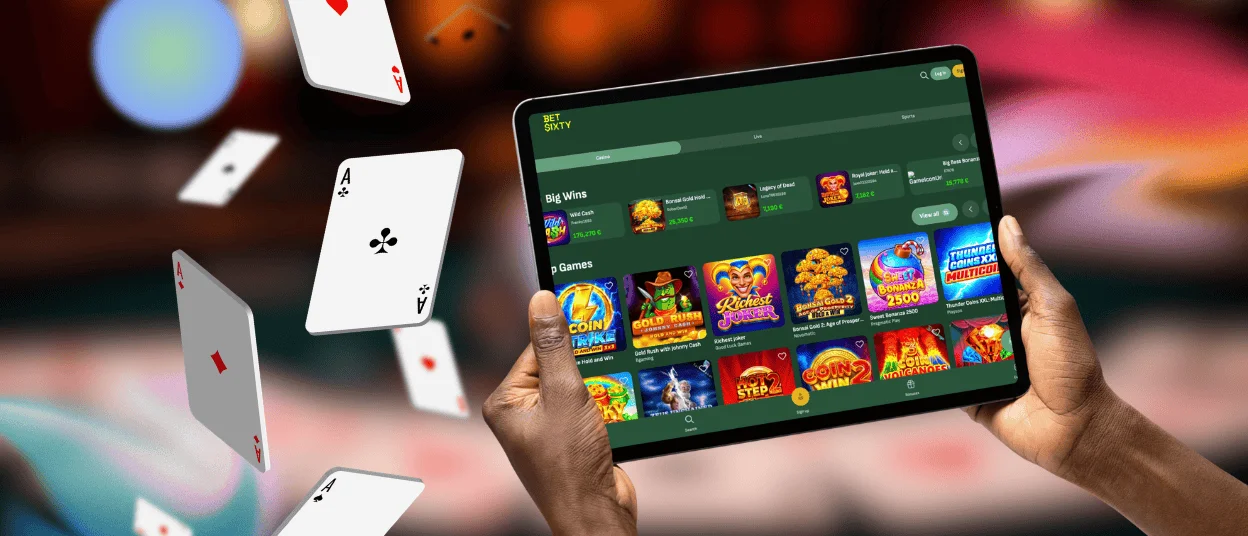
Betsixty iOS Access
iPhone and iPad users install through Safari specifically, since Apple routes PWA functionality through its own browser.
The steps are simple: you should open the Betsixty Casino website and tap the Share button at the bottom of the screen – the square icon with an upward-pointing arrow. Scroll through the share sheet and tap “Add to Home Screen,” rename the shortcut if preferred, then tap “Add” in the top right corner.
Push notification support for the Betsixty app on iPhone requires iOS 16.4 or later. Everything else – games, live chat, payments, account management, live casino, online slots – works on earlier versions without any functional difference.
Desktop Casino Play with Bet Sixty
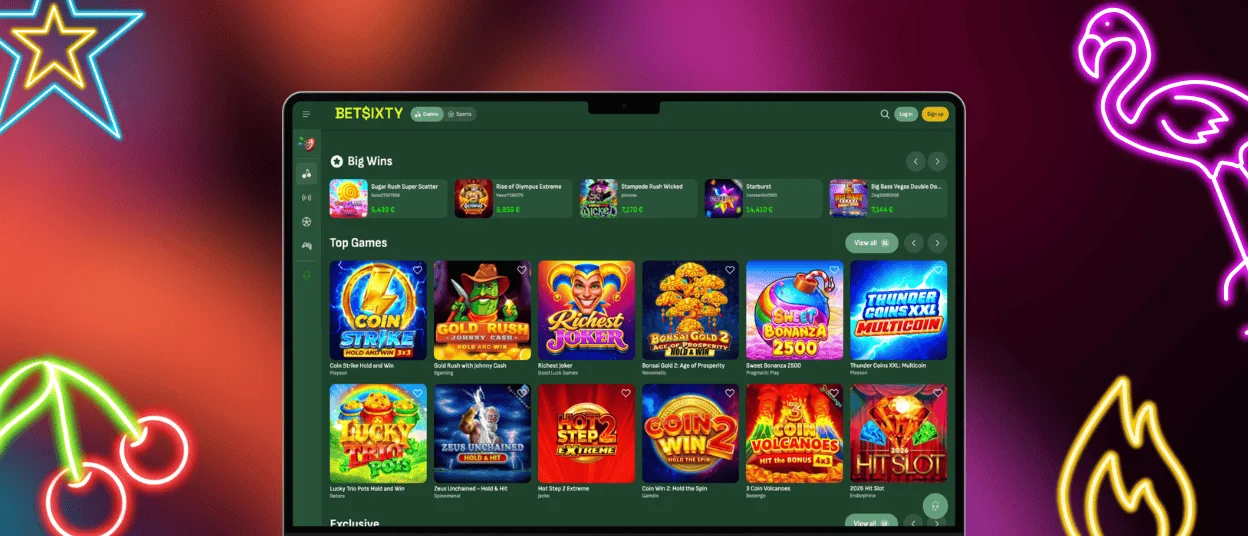
Downloading the Betsixty app on Windows or macOS is the least obvious of the three options, but it’s also possible.
- The install icon appears in the address bar of Chrome or Edge when the Betsixty Casino site is open. It looks like a small monitor or screen icon with a download arrow, depending on the browser version.
- Clicking it and confirming the install prompt creates a desktop shortcut that opens the platform as a standalone window.
The app opens faster than navigating to the site through a browser tab, runs without competing for memory with other open tabs, and can send push notifications to the desktop taskbar. If you have any questions about the installation, our support team can help you.
FAQ
Can I log in to the Bet Sixty app with the same account I use on PC?
Yes, it’s the same Betsixty Casino account across every platform. The email and password used on desktop work identically in the app, and everything in the dashboard reflects the same state regardless of which device last accessed it. Deposits made on mobile appear in the desktop transaction history and vice versa.
Can I upload verification documents through the app?
Yes, and in some ways it’s more convenient to go through the verification process on mobile than on desktop. The verification section of the account dashboard is fully accessible through the Betsixty app. Photos taken directly with the phone camera can be uploaded immediately without transferring files to a computer first. Government-issued ID and proof of address can be submitted this way, and the review process works the same.
Does uninstalling the Bet Sixty Casino app delete my account?
No, it is a shortcut to the platform. Removing the icon from the home screen or uninstalling the PWA has no effect on the account, balance, transaction history, or any bonuses in the account.


